Google Business Profile Strategies Medicare Agents Should Be Using
-
November 22, 2025
For Medicare agents, visibility and trust are everything. Seniors and their families often begin their search for local advisors online, and one of the most powerful tools for gaining credibility and generating leads is your Google Business Profile (GBP). When optimized correctly, it can help you appear in local searches, showcase your expertise, and attract high-intent prospects. Unfortunately, many agents overlook this opportunity or fail to maximize its potential. Here’s how to make your Google Business Profile work for you.
1. Complete and Accurate Business Information
The first step to a high-performing Google Business Profile is ensuring all your information is accurate and complete. Your Name, Address, and Phone number (NAP) should match exactly across your website, social media, and any directories. Include your business hours, website link, service areas, and a concise description of the services you provide. Seniors searching for Medicare agents are reassured by clarity and professionalism, and any inconsistency can reduce trust. Accuracy also improves your ranking in local searches, helping more seniors find you.
2. Use High-Quality Images
A picture is worth a thousand words, and on Google Business Profiles, images are critical for engagement. Upload professional photos of your office, team members, and events such as local seminars or educational workshops. Images convey professionalism, approachability, and credibility. Seniors want to feel confident that the agent they choose is trustworthy, and seeing friendly faces and a welcoming office space can make a big difference. A strong visual presence supports your overall personal brand. Remember to update images periodically to reflect any changes and keep your profile fresh.
3. Collect and Showcase Reviews
Reviews are one of the most important factors seniors consider when choosing a Medicare agent. Encourage satisfied clients to leave honest feedback on your profile. Then, respond promptly and professionally to each review, whether positive or negative. Thank clients for their kind words, and address concerns in a constructive manner. Not only do reviews increase your visibility in Google searches, but they also provide social proof, demonstrating that you are experienced, reliable, and respected by other seniors in your community. Keep CMS Medicare Marketing Guidelines in mind when soliciting or responding to reviews — don’t reference specific plans, carriers, or benefit details in your replies. For a deeper dive, check out our guide on where and why Medicare agents should collect reviews.
4. Post Regular Updates
Google Business Profiles allow you to post updates, events, or helpful tips. Agents can use this feature to share content about Annual Enrollment Period (AEP) reminders, Medicare Advantage plan changes, or local senior resources. Regular posts signal to both Google and potential clients that your business is active, trustworthy, and engaged. Even simple updates about upcoming webinars or educational workshops can encourage seniors to reach out for personalized guidance.
5. Utilize the Q&A Feature
Many seniors have the same Medicare-related questions. Google Business Profile’s Q&A section allows you to proactively answer them. Consider posting common questions, such as “What plans do you offer?” or “How can I schedule a consultation?” and provide clear, helpful responses. This not only reduces friction for potential clients but also positions you as knowledgeable and approachable before they even call or visit your office. You can draw inspiration from the types of questions asked on Medicare Agents Hub Q&A.
6. Track Metrics and Adjust
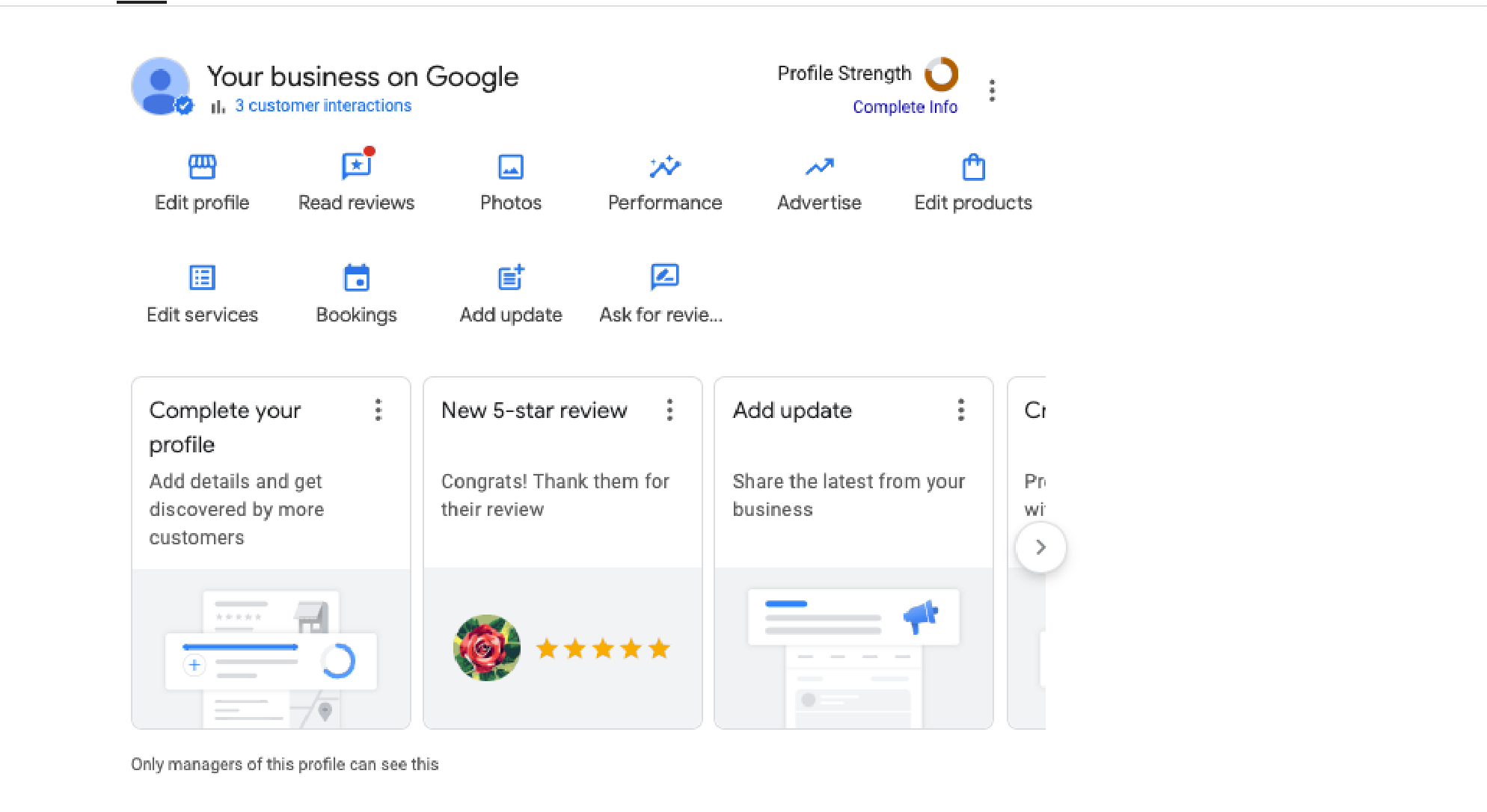
Like any marketing tool, your Google Business Profile is most effective when monitored and adjusted over time. Pay attention to metrics such as:
-
How many people view your profile
-
How many clicks to your website occur
-
Calls and direction requests generated from the profile
Use this data to optimize your profile. For example, if posts about AEP events generate the most engagement, create more content in that format. Small adjustments based on real data can significantly improve lead generation and overall client engagement.
7. Complement GBP With Other Platforms
While Google Business Profile is powerful, pairing it with platforms like MedicareAgentsHub.com can further increase visibility and credibility. Medicare Agents Hub highlights agents who consistently provide educational resources and trustworthy guidance, which resonates strongly with seniors. By combining an optimized GBP with reputable platforms like this, agents can build a strong local reputation while generating consistent leads.
Understanding why local visibility matters can help you see how GBP fits into a broader strategy for advertising yourself as a Medicare agent.
Turn Your Profile Into a Local Lead Engine
A well-optimized Google Business Profile is no longer optional, it’s a key tool for Medicare agents looking to grow their business and attract high-quality leads. By providing accurate information, showcasing images, collecting reviews, posting regular updates, utilizing Q&A, and monitoring metrics, agents can improve visibility, credibility, and client engagement.
Optimizing your GBP takes effort upfront, but the payoff (higher trust, more local leads, and stronger community presence) makes it one of the most effective tools in your marketing toolkit. Once your profile is dialed in to attract local seniors, make sure the agents they find look just as credible on every platform they check — list your practice on Medicare Agents Hub so seniors see a professional, trustworthy profile the moment they click through.